


How We Implement HRMS in a Manufacturing Company: What the First Month Actually Looks Like
If you're implementing an HRMS in a manufacturing company, don't start by uploading employees into the software. Start by understanding how the company already works.
Before we configure Zeba Pro for manufacturing businesses and startups, we need answers to questions like:
- Who works from the factory?
- Who works in the field?
- How are employees currently marking attendance?
- Which biometric devices are being used?
- How many shifts exist?
- Do any shifts cross midnight?
- Do different locations have different holidays?
- What are the leave management policies?
- How is attendance eventually used for payroll?
And one question that is often underestimated: How comfortable are the employees with using a mobile app?
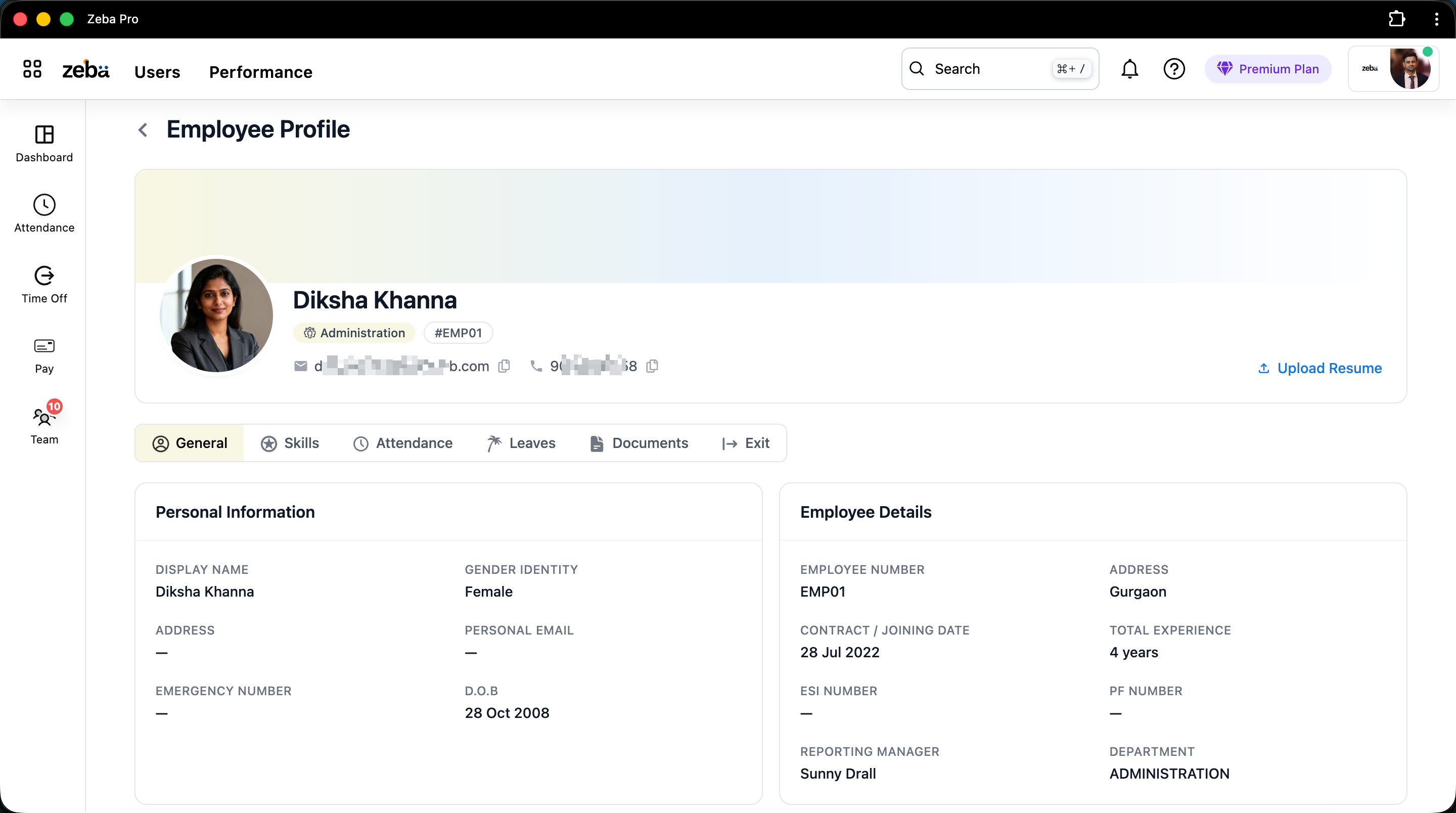
We learned this while implementing Zeba Pro for mid-market businesses and manufacturing setups. One of the companies we've worked with has a workforce that includes salespeople, field support engineers, an engineering team, and labor/workers. Trying to make all of them use the HRMS in exactly the same way would have been a mistake.
Here's how we approach it.
Step 1: We Understand the Company's Existing HR Process Before Configuring Anything
One of the first things we did during implementation was understand the company's existing policies. Not: "Here's how Zeba Pro works. Please change your process accordingly."
Instead, we wanted to understand:
- How does your attendance tracking work today?
- What are your leave policies?
- How do your employees work?
- What systems are already being used?
The company already had a biometric machine for managing employee attendance. That's important. Implementing new HR software doesn't necessarily mean replacing every piece of technology a company already has. If something works, integrate with it where possible.
Step 2: Divide Employees by How They Actually Work
I think this is particularly important for manufacturing companies. Don't think of your workforce as simply "300 employees." Think of it as:
- Factory workers
- Engineering employees
- Office employees
- Sales employees
- Field support engineers
- Managers
Why? Because attendance requirements can be completely different. A factory worker might arrive at the same facility every day. A salesperson could start their day from home and visit customers. A support engineer could spend the day at a customer's site diagnosing a technical issue.
Those employees might all eventually receive salaries through the same payroll automation system, but expecting them to mark attendance in exactly the same way makes little sense.
Step 3: Keep Biometric Attendance Where Biometric Makes Sense
The manufacturing company already had a biometric device. For workers regularly coming to the same factory, this is often exactly what I'd recommend. Zeba Pro can integrate with compatible eSSL biometric devices supporting iClock APIs.
The worker doesn't need to understand the HRMS. They arrive, they authenticate using the biometric device, and their attendance punch enters the system. This is especially useful for employees who aren't particularly comfortable using mobile applications.
Don't Force Mobile Attendance on Factory Workers Just Because You Have an App
We have a mobile application. It supports attendance. We could tell every company: "Install Zeba Pro on everyone's phone." But that's not always what we recommend.
We've seen non-technical manufacturing workers struggle with things that IT teams probably consider trivial: location permissions, application updates, background permissions, mobile data, and login issues. Your factory worker wasn't hired to understand mobile operating systems. Their job isn't to operate our HRMS.
So if that employee enters the same factory every morning and a biometric machine solves their attendance problem with one interaction, I'd generally prefer biometric. That's less friction for everyone.
Step 4: Don't Make Field Employees Use Factory Attendance
Now take another employee from the same manufacturing company: a support engineer. One of our manufacturing customers operates in the battery industry. Their support employees sometimes travel to a customer's location to inspect a battery when there's an issue.
That employee may never enter the factory that day. They're still working. In fact, they're doing exactly what the company needs them to do. If your HRMS understands only biometric attendance at the factory, you'll end up with something ridiculous: Support Engineer: Absent while the support engineer is standing at a customer's site solving a problem.
Step 5: Use Mobile Attendance Where Mobility is Part of the Job
For salespeople, support engineers, and other employees working in the field, mobile attendance becomes much more useful. A field employee can check in through the Zeba Pro mobile application.
Where the company has a legitimate requirement, live employee tracking can also be enabled for eligible employees. Now attendance can provide much more context around field work. The manager can understand things such as:
- Where is the employee?
- Which areas did they cover?
- How much did they travel?
- How long did they remain around particular locations?
And the employee can see kilometers traveled, which can assist the finance team with travel reimbursement processing. That's a completely different attendance problem from someone walking into a factory. Same company. Different attendance method. Same HRMS.
Step 6: Configure Shifts Before Attendance Starts Generating Problems
Manufacturing shifts can expose weaknesses in an HRMS very quickly, particularly night shifts. Suppose someone's shift starts late in the evening and finishes the following morning. The calendar date changes, but the employee's working shift doesn't.
Which day does the attendance belong to? Which shift should a punch be associated with? How early can someone check in and still belong to that shift?
Manufacturing customers pushed us to support grace periods around shifts via complete user management settings, allowing organizations greater control over the window in which attendance should be appropriately associated. Don't just configure "Night Shift: 10 PM to 6 AM": test actual punches around it.
Step 7: Check Whether Different Locations Actually Follow the Same Policies
Another requirement manufacturing companies brought to us was location-wise holidays. Imagine a business with Factory A, Factory B, and Head Office C.
The assumption that every employee automatically follows the same holiday calendar doesn't always hold, especially when vetted by a legal team for local compliance. If this isn't discovered during HRMS implementation, HR starts creating manual exceptions after go-live.
Step 8: Don't Underestimate Employee Training
For one manufacturing implementation, we didn't simply train management and expect them to train everybody else. We conducted multiple demos for the management and broader team ourselves.
If management understands the product and then has to figure out how to explain everything to employees, we're transferring our implementation work onto the customer. We'd rather our team help remove that friction. It also gives us valuable product feedback: we get to watch where people struggle.
Employee Confusion is Product Feedback
If I demonstrate something and five employees independently struggle with the same step, I could say: "They need more training." Or I could ask: "Why did five people struggle with the same thing?"
I prefer the second question. My understanding of what's "obvious" after 12 years in software isn't representative of every Zeba Pro user.
Mobile App Updates Taught Us a Surprisingly Important Implementation Lesson
Suppose a manufacturing customer requests a feature. We release it in a new version of the app. The company now needs employees to update. For a large workforce, that can turn into an operational problem.
Some update, some don't. HR teams start following up individually. We released a feature to help HR and created another HR task in the process. So we introduced a force-update mechanism for situations where employees need a required application version.
Step 9: Test What Happens When the Internet Doesn't Behave Perfectly
Field employees introduce another implementation consideration: connectivity. Mobile data can disappear temporarily. If your entire field-attendance process assumes permanent connectivity, you'll create gaps.
For Zeba Pro's field-location workflow, we've designed the app so relevant location information can be retained when connectivity is unavailable and sent to the backend when communication is restored.
Step 10: Decide Where Location Tracking is Actually Justified
Live location is useful, but that doesn't mean every employee should be continuously tracked. For a factory worker who punches through biometric and works inside the facility, continuous GPS provides little additional value. For a field support engineer who handles issues across sites, location information has an obvious operational purpose.
Step 11: Think About Privacy During Implementation, Not Afterwards
In Zeba Pro, continuous tracking is tied to an eligible employee's active working session. Checkout stops tracking. We've also placed a maximum tracking window of 9 hours from check-in because people forget to check out.
I don't believe forgetting to press Checkout should automatically give an employer access to someone's location indefinitely.
Step 12: Test the Entire Workflow Before Going Live
This is the part I'd emphasize most strongly to any company looking at pricing and implementing an HRMS. Don't test individual features. Test realistic employee workflows:
- Factory worker: Biometric punch → shift → attendance → leave → payroll.
- Night-shift worker: Evening punch → midnight → morning checkout → correct shift → attendance.
- Sales employee: Mobile check-in → field travel → customer visits → checkout → attendance.
- Support engineer: Field check-in → customer location → temporary internet loss → route sync → checkout.
- Employee on leave: Approved leave → attendance → payroll (and eventual assessment via an income tax calculator).
The First Month Should Expose Problems, Not Hide Them
The first month is where you want to discover unexpected shift behavior, missing policies, mobile-device problems, and manager workflows nobody considered. Because once 300 employees have been using the system for six months, fixing a badly designed process becomes much harder.
A Practical Manufacturing HRMS Implementation Checklist
If I were implementing an HRMS in a manufacturing company today, these are the questions I'd answer before go-live:
| Area | Question to Answer Before Go-Live |
|---|---|
| Workforce | What different types of employees do we have? |
| Attendance | Who should use biometric vs mobile? |
| Biometrics | Can our existing devices integrate? |
| Shifts | Do we have night/rotating shifts and grace periods? |
| Locations | Do different facilities follow different rules? |
| Holidays | Are holiday calendars location-specific? |
| Field teams | Who genuinely needs field check-in? |
| Location | Who genuinely needs continuous tracking? |
| Connectivity | What happens when internet/mobile data disappears? |
| Mobile app | How will required app versions be managed? |
| Managers | What information should managers actually see? |
| Training | Who will train employees and managers? |
| Payroll | How does finalized attendance reach payroll? |
| Privacy | When does employee tracking start and stop? |
| Scale | Can policies and changes be handled across hundreds of employees? |
What Manufacturing Implementations Have Taught Me While Building Zeba Pro
One of the biggest mistakes we could have made with Zeba Pro would have been assuming: Employee = Employee.
Real companies don't work that way. In the same manufacturing company, one person might punch a biometric machine at the factory gate. Another starts a night shift that crosses midnight. Another leaves home to visit customers. HR needs to understand all of them.
A successful manufacturing HRMS implementation isn't just about adding 300 employees to the software. It's about ensuring those 300 employees can work the way their jobs require, while HR and management finally get one clear picture of what's happening. That's what we're trying to achieve with Zeba Pro.


