
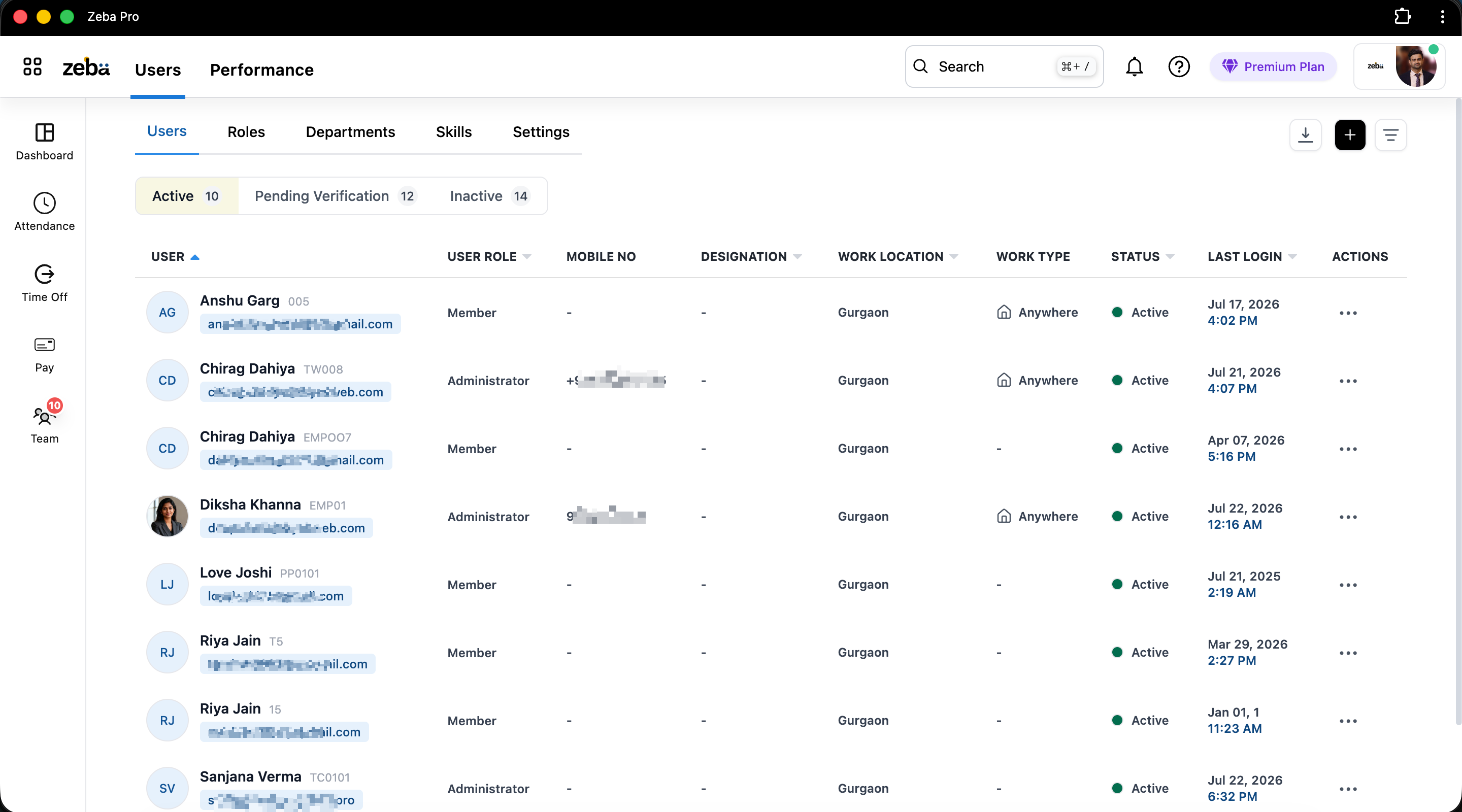
Define roles once and reuse them
Create custom roles and set what each can view or edit across employee and access data.
- Role-based access control with custom roles
- Department-level permissions
- Controlled administrative access
app.zeba.pro
Joiners, movers and leavers all touch IT. Zeba keeps one employee record that drives onboarding checklists, role-based access and offboarding, so access is granted on time and never left behind.
In 30 seconds
Permissions follow the role and department, not individual requests.
Learn moreAccounts, devices and access requests tracked on the employee record.
Learn moreAccess revocation tied to the exit record so it is not missed.
Learn moreA history of what was granted and revoked, and when.
Learn moreSound familiar?
IT hears about people changes late and second-hand. A shared record fixes the handoff.
How it usually works
HR sends a message, and the laptop and accounts are not ready.
With Zeba
The joiner appears on the shared record in advance, with a checklist of what IT must do.
How it usually works
Requests for tools and permissions arrive by message and get lost.
With Zeba
Access changes are logged against each employee.
How it usually works
Exit is processed by HR but nobody tells IT in time.
With Zeba
Offboarding links to the exit record so revocation is not missed.
How it usually works
Broad access because role definitions do not exist.
With Zeba
Role-based permissions with department-level scopes and custom roles.
How it usually works
Duplicate sheets drift out of date.
With Zeba
One reliable source of employee information.
How it works day to day
Three common events, handled from the same record.
HR creates the profile. IT sees the onboarding checklist.
IT ticks off account creation and device assignment on the record.
The role changes and permissions follow the new department.
The exit record triggers the access review so nothing is left open.
Audit history shows what was granted and revoked, and when.
See it in the product
Create custom roles and set what each can view or edit across employee and access data.
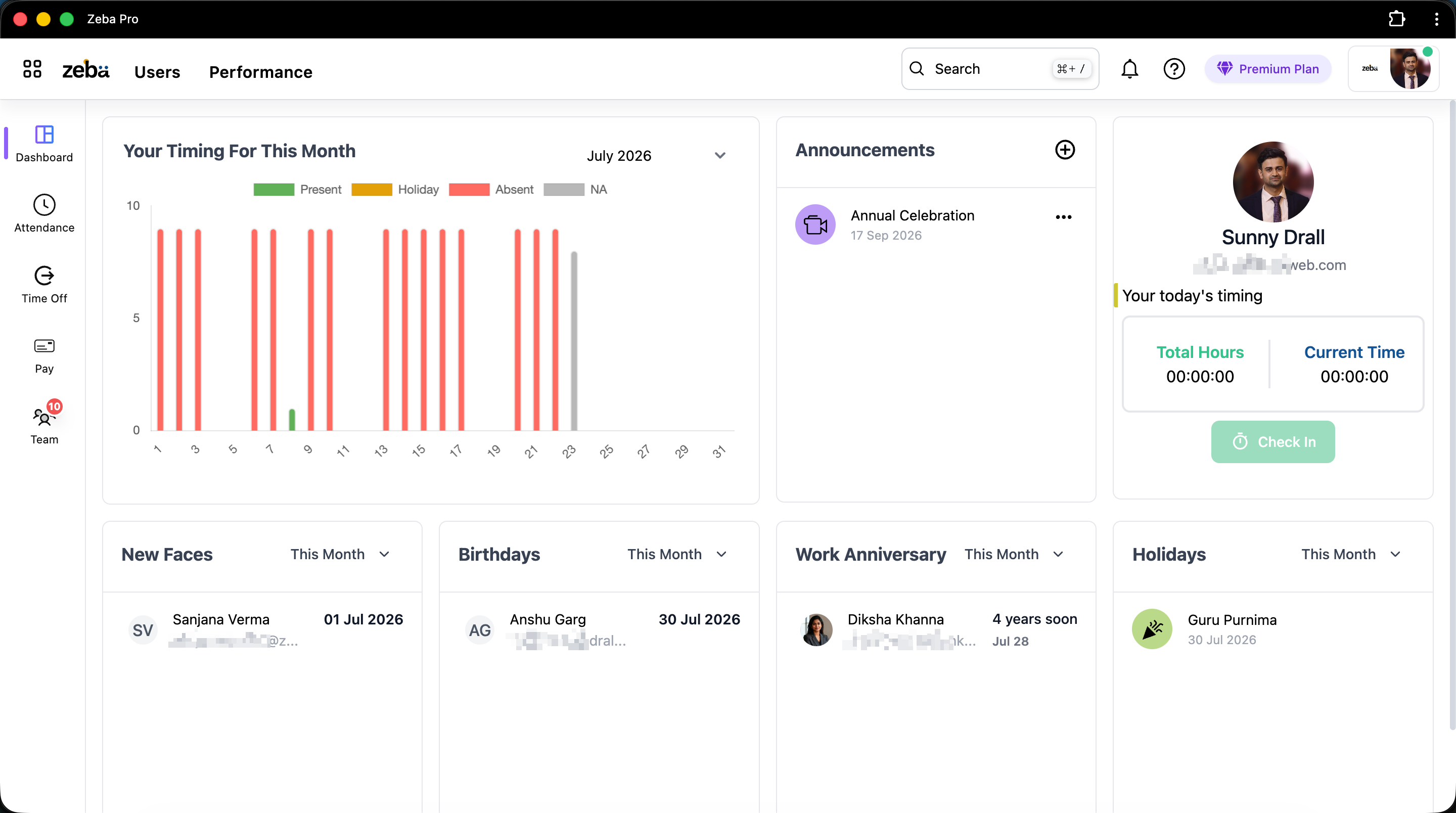
Track account creation, device assignment and access requests alongside the HR steps on the same profile.
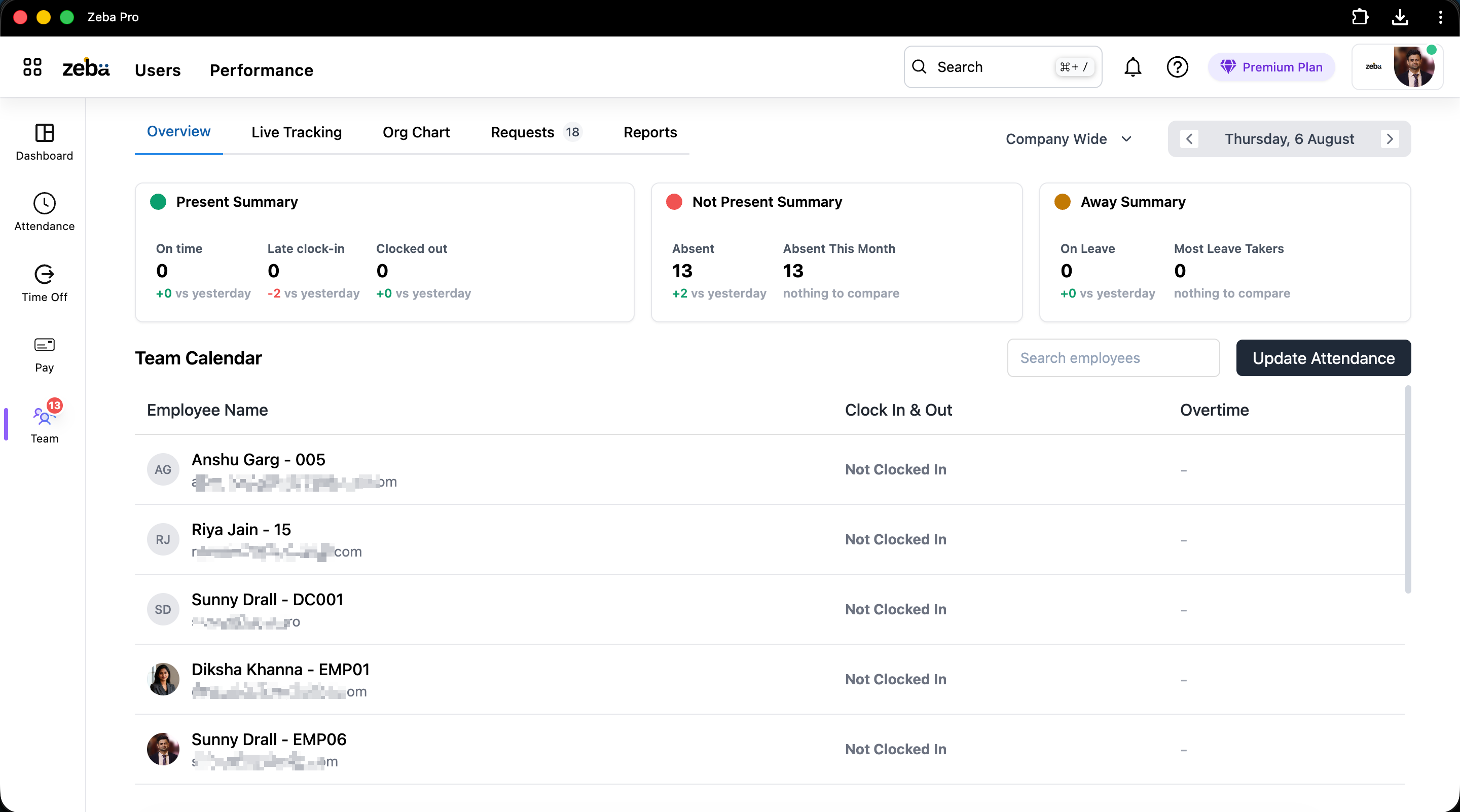
Administrative actions are logged so IT can show who changed what.
Who uses it
A clear joiner, mover and leaver process.
Roles and permissions that are defined once.
Audit history and controlled admin access.
Share one record with IT instead of messages.
Request access changes through a clear path.
Wearing the IT hat without losing track of access.
Got questions?
Short answers to what teams ask before they switch.
See roles, an onboarding checklist and an offboarding trail in a 15 minute walkthrough.
Free setup and data migration. No credit card.