
Part of Attendance management system
Mobile attendance app
Mobile attendance app that asks for only what your rules need
Open the app and tap check in. Location and a selfie are asked for only when your company requires them.
Free trial. No credit card.
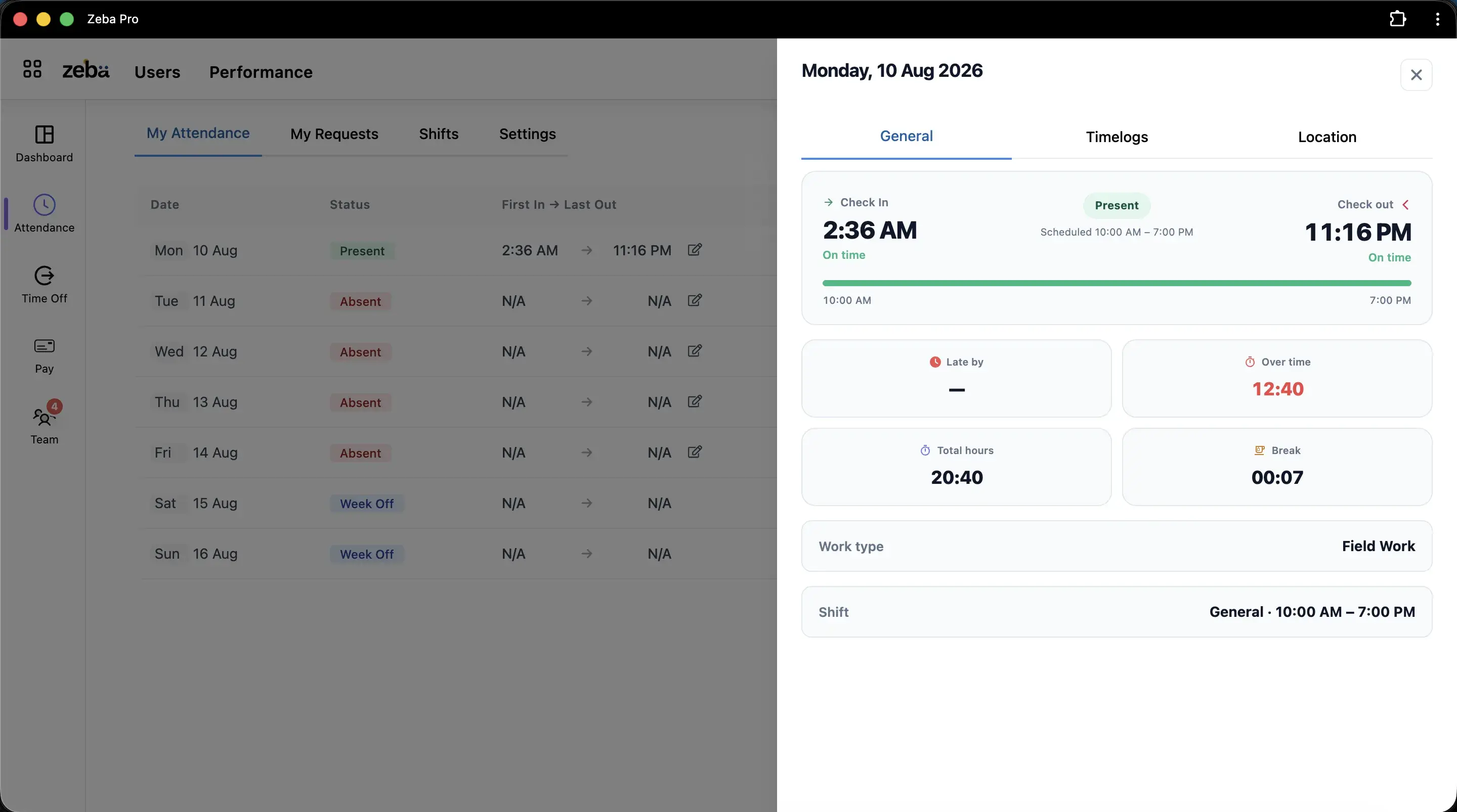
On the phone
Check in takes a few taps.
Step 1
Open the app
Sign in on Android or iPhone with your Zeba account.
Step 2
Tap check in
The phone's location is read and checked against the rules for your work type.
Step 3
Add a selfie if asked
If your company requires it, the camera opens for a live photo. It is a photo, not face matching.
Permissions
What the app may ask for, and when.
| The app asks for | When | Why |
|---|---|---|
| Location | When a geofence or live location applies | To check the punch is on site, or to show the route. |
| Camera | When a live selfie is required | A photo with each check-in and check-out. |
| An approved phone | When trusted device binding is on | Only the employee's registered phone can punch. |
| Nothing extra | On a plain policy for desk roles | Tap and go. |
Each company decides which of these apply, per policy.
One app
Same app, different rules by role.
Office staff
Punch inside the boundary around the office. See geofencing attendance.
Field staff
Punch from any site. Where live location is on, the route is recorded. See employee tracking.
Hybrid staff
Remote punches are allowed, and the place is still saved against the entry.
Good to know
What it will not do.
It does not track you all day by default
A geofence is checked at the punch. Live location runs only where a policy turns it on, while you are checked in.
It needs signal and location access
Punches for geofenced work types cannot be made without them.
A selfie is a photo
It shows who held the phone. It is not face recognition.
Got questions?
Frequently Asked Questions
Clear answers on setup, payroll, attendance, and everyday HR with Zeba.
- Yes. Zeba has an app for Android and one for iPhone, and a policy can also allow punching from a phone browser.
- No. A geofence is checked when you punch. Live location is a separate policy setting that applies only to the roles that need it, while they are checked in.
- Phone location can drift, especially indoors. Ask your admin to widen the boundary, and raise a correction request for the day.
- Only if your company turns that setting on. The selfie is a live camera photo with each check-in and check-out, and no face matching is done.
- Not if trusted device binding is on. Then only the phone registered to you can punch, so ask your admin before changing phones.
Ready when you are
Put attendance in every pocket
Book a demo and try a check-in on your own phone.